

MADRIX Hardware Manager
Default Title
The MADRIX Hardware Manager is a software utility designed for configuring and managing MADRIX hardware devices.
KEY TECHNICAL HIGHLIGHTS
• Device configuration including IP address settings and factory default reset
• Firmware updates via USB or Ethernet with automatic downloads from web server
• Scene file upload/delete on MADRIX AURA SD cards over USB or Ethernet
• Automatic PDF documentation downloads
BEST USED FOR
MADRIX hardware device management, firmware maintenance, MADRIX AURA stand-alone scene file management.
MADRIX Hardware Manager
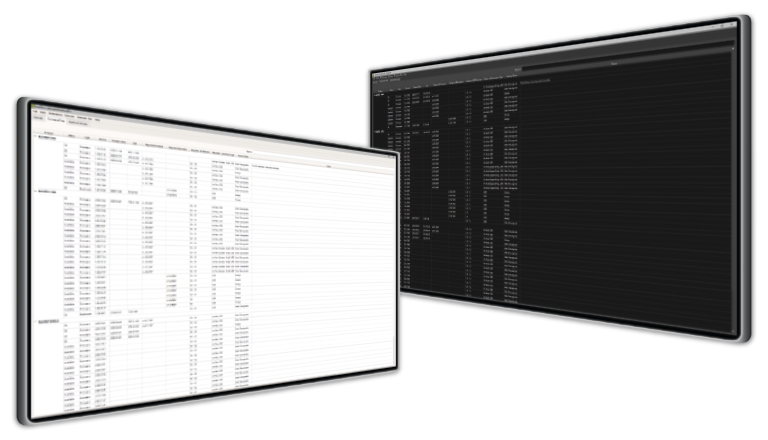
The software companion to your MADRIX hardware
Device Configuration
Easily configure basic device settings, such as the IP address, or perform a reset to factory default settings. Or quickly call up the web configuration of your connected devices.
Firmware Updates
Quickly update your devices to any firmware version that is available in just a few mouse clicks over USB or Ethernet. New firmware updates are automatically downloaded from our web server.
Documentation
The latest PDF documentation files are also automatically downloaded and available for you.
File Upload
Simply upload or delete scene files on the SD card of your MADRIX® AURA stand-alone devices. You only need access to the device itself over USB or Ethernet.

Technical Specifications
| User Interface Languages | English |
| Supported Operating Systems | Windows 11 64-bit only |
| Available Connection Types | USB, Ethernet |
| Supported Devices | MADRIX AURA 2, MADRIX AURA 8, MADRIX AURA 12, MADRIX AURA 32, MADRIX LUNA 4, MADRIX LUNA 8, MADRIX LUNA 16, MADRIX NEBULA, MADRIX ORION, MADRIX STELLA |
| Full Version | Download for free from www.madrix.com |